No install · no account
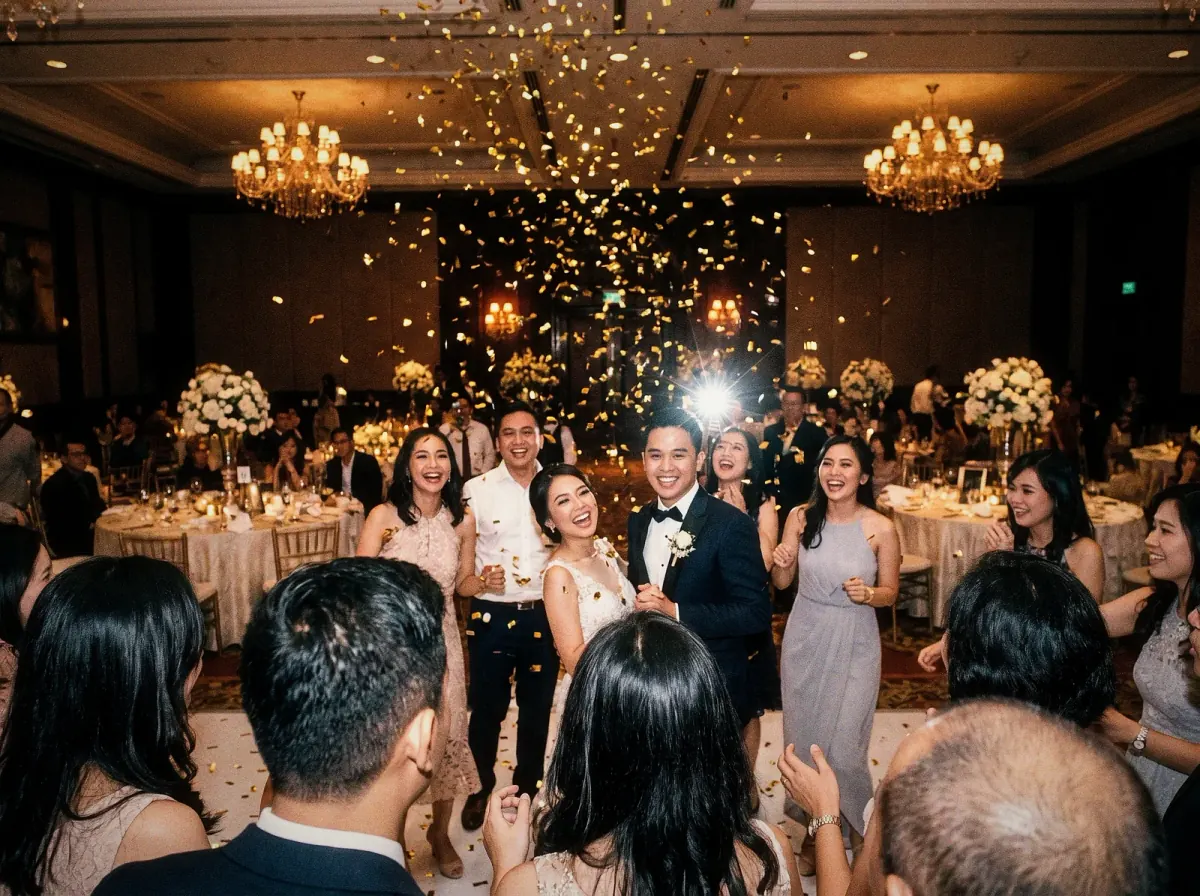
Give every guest a camera.
Guests scan one QR and shoot from the browser. Every photo lands in one album you all get to see.
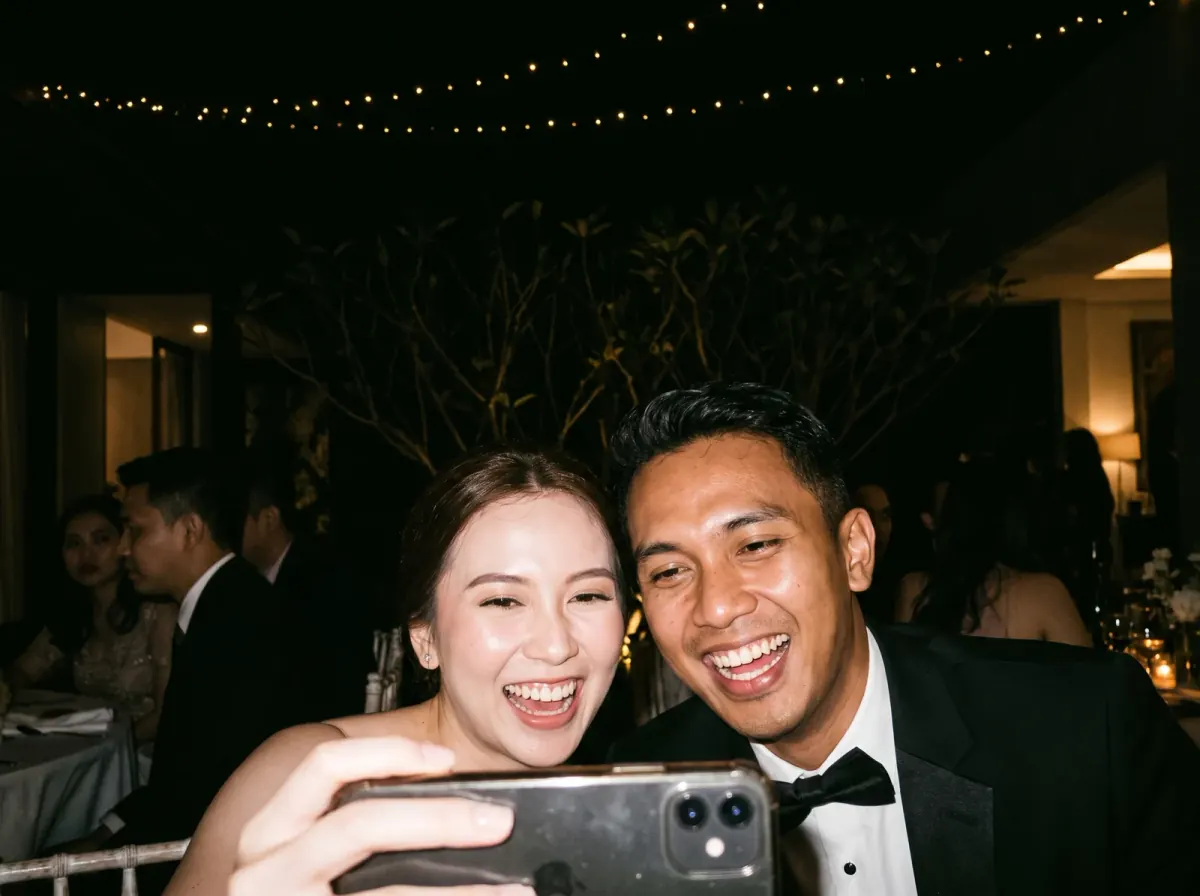
Two minutes to set up. The rest is on your guests.
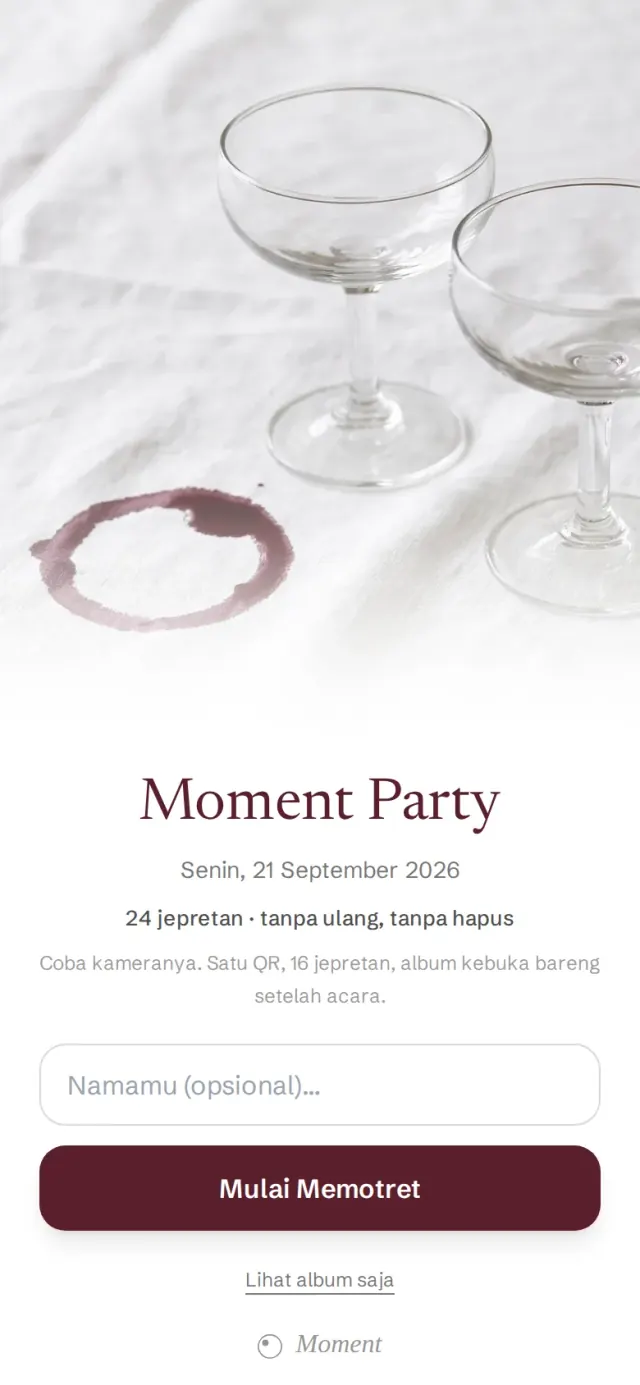 1Scan, type a name
One QR on the table. No account, no download.
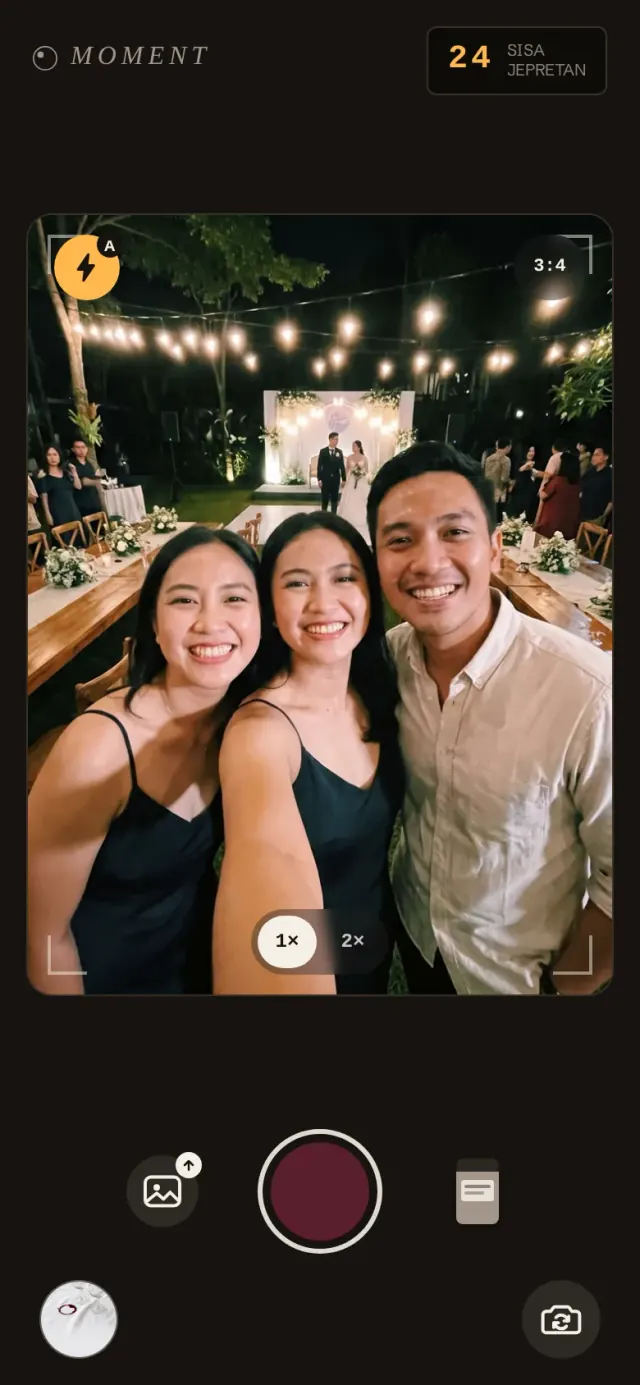 2Shoot
Each guest gets a limited roll with a flash, and the shots left show in the corner.
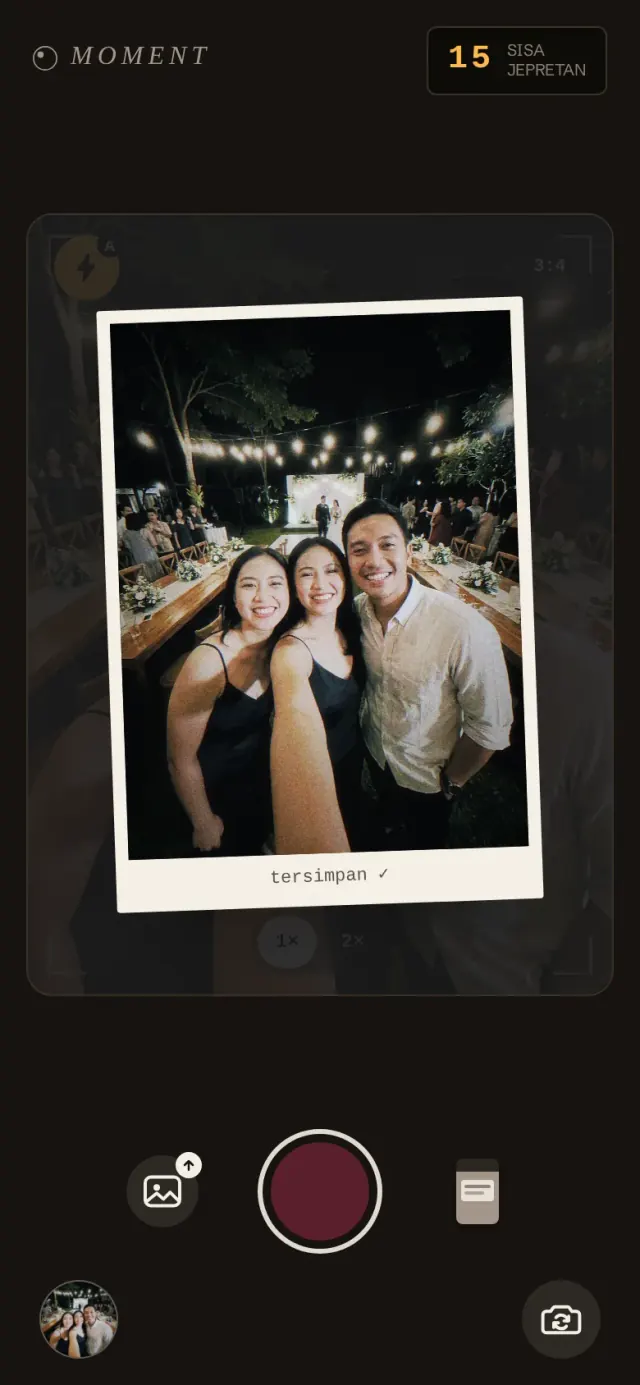 3The film develops itself
The frame develops and is saved twice: original and film.
- 4One album, seen together
Every photo lands in one album every guest can see. Want a reveal later? That's a setting.
A film camera on every guest's phone.
- A limited roll
- Each guest has sixteen shots, so they pick the moments they really want to keep.
- Flash & develop
- The flash fires, the screen goes white for a moment, and the photo develops slowly, like on an analog camera.
- Flash 800 film
- This film relights the subject hard and leaves the room dark. The original file is kept too.
- Offline queue
- Bad venue signal? Shots wait on the phone and send themselves.
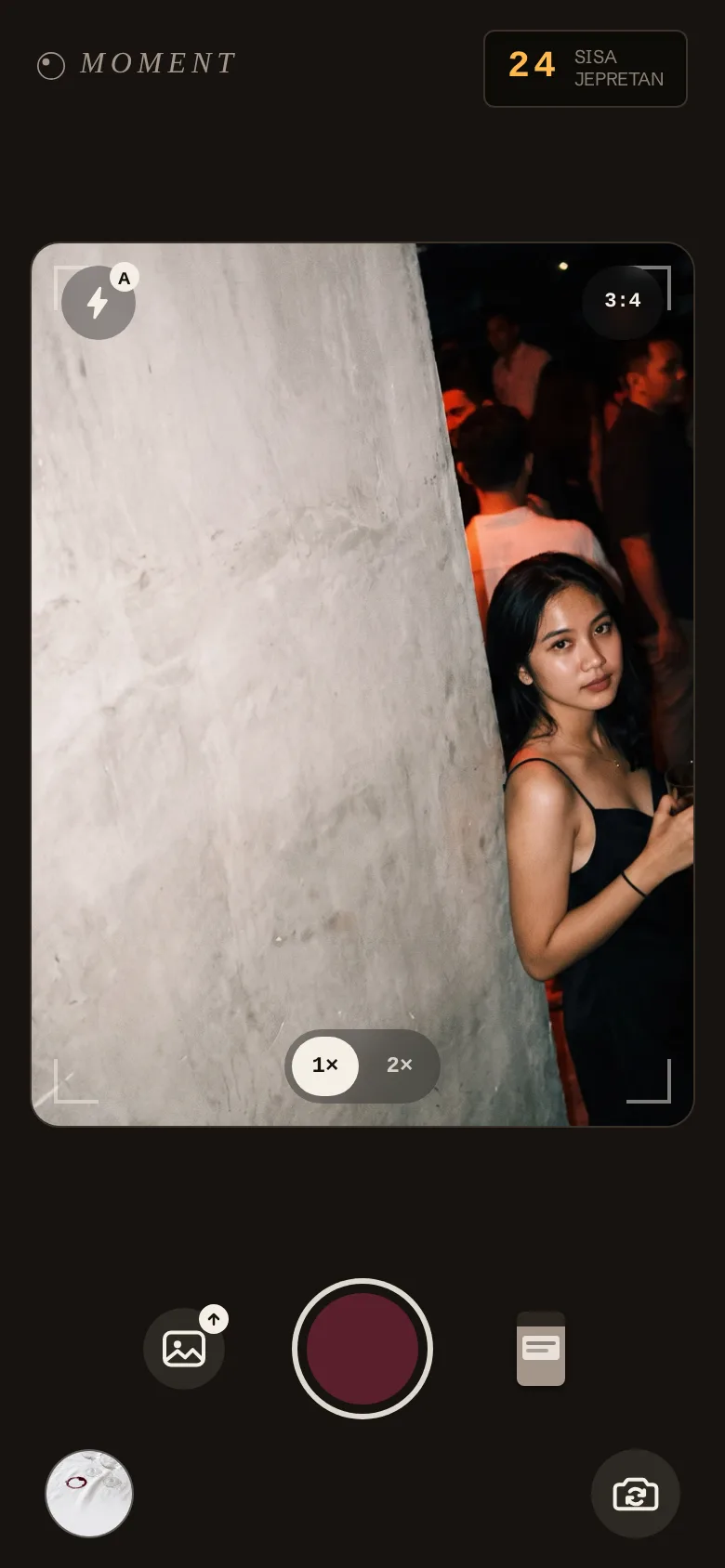
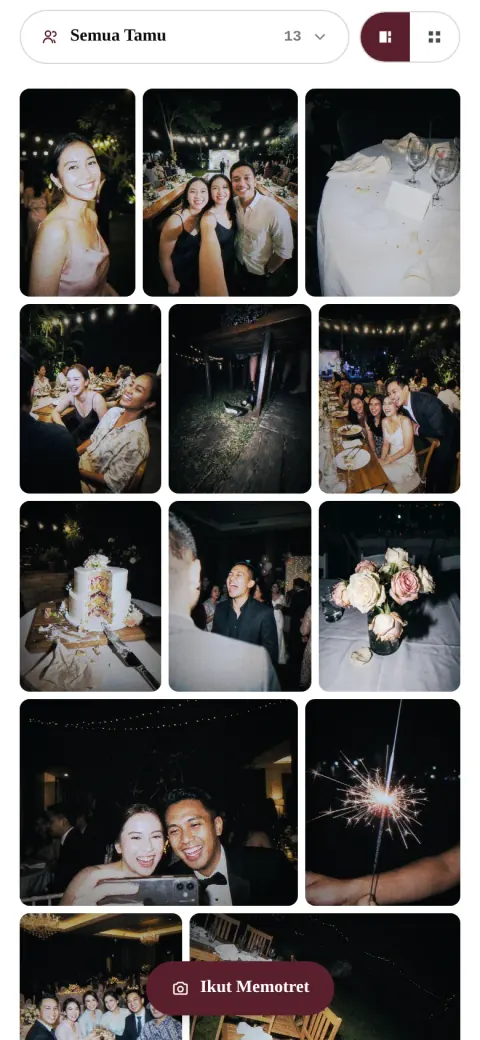
What guests see in the shared album.
Its films are inspired by real analog and vintage digital cameras.
Copied to your Google Drive automatically · with the film and without
One payment per event.
No subscription. The album packages differ only in guest count; the invitation has plans of its own.
- Starter10 guestsFree
- Get-together25 guests · Rp5.960/tamuRp199.000Rp149.000
- Celebration50 guests · Rp4.980/tamuRp349.000Rp249.000
- Party100 guests · Rp4.490/tamuRp649.000Rp449.000
- Reception150 guests · Rp3.993/tamu · favouriteRp899.000Rp599.000
- UnlimitedunlimitedRp1.499.000Rp999.000
| Package | Guests | Price | Per guest | |
|---|---|---|---|---|
| Starter | 10 guests | Free | — | Choose |
| Get-together | 25 guests | Rp149.000Rp199.000 | Rp5.960 | Choose |
| Celebration | 50 guests | Rp249.000Rp349.000 | Rp4.980 | Choose |
| Party | 100 guests | Rp449.000Rp649.000 | Rp4.490 | Choose |
| Receptionfavourite | 150 guests | Rp599.000Rp899.000 | Rp3.993 | Choose |
| Unlimited | unlimited | Rp999.000Rp1.499.000 | — | Choose |
Google Drive on every package
Invitation · its own product, one payment per event
- Free20 guests on the list · 3 photos · Moment markFree
- Saver150 guests on the list · 10 photos · own music · gifts · export & reminders · no Moment markRp99.000Rp59.000
- Completefavouriteunlimited guests on the list · 30 photos · own music · gifts · export & reminders · no Moment markRp199.000Rp129.000
Not sure which package? Ask us on WhatsApp
For planners, venues, photographers.
Add Moment to your wedding packages at a special partner price, so your clients get more from the package: an album with photos from every guest. Try it free for one event. All you do is put out QR cards with your brand name on them.
Two ways to partner
- Special partner price
- You buy Moment at a special partner price and sell it as part of your own package. You decide what your client pays.
- Referral
- You share your partner code with clients. They pay the regular price, and you earn a commission on every active album.
Questions, answered.
No. Guests scan the QR and the Moment by Dreambooth camera opens in the browser. It works on iPhone and Android, with no account and no download.
Right away. As guests shoot, their photos land in the shared album the event's guests can see from the same QR or link. For a surprise, set the album to open after the event or after a delay, and every photo appears at once.
The album stays live for at least 30 days after the event. Within that window you can download every photo any time. Connect Google Drive and every photo is also copied to a folder in your Drive, with the film and without, so it stays yours after that.
Yes. A filter only changes how the photo looks. The original file stays intact and is saved to the album too.
Every shot joins an offline queue on the guest's device and uploads automatically once the connection returns. No photo gets lost.
As the host, you can hide or delete any photo in the album at any time.
Guests don't: type a name, then shoot. Hosts sign in with a Google account to create the album and receive its link.
Yes, as a fallback. The Moment camera is the main way in; the Gallery button is there for photos already taken with the phone's own camera.
One payment per event, through the Midtrans checkout: QRIS, GoPay, or bank transfer (virtual account). The Starter package is free, so there is nothing to pay.
Upgrade the package any time from the dashboard. The running album keeps running until you switch to the larger tier.
Question not answered here? Ask us on WhatsApp